Advertisements

Wrist Pain Prevention for Computer Users: What I Wish I’d Known 10 Years Ago
Here’s a stat that honestly scared me — nearly 3.7 million workers report repetitive strain injuries every year, and a huge chunk of those involve the wrists and hands. I used to think wrist pain was something that only happened to “older people” or factory workers. Boy, was I wrong!
I spent the better part of my thirties glued to a keyboard, grading papers and building lesson plans, completely ignoring the dull ache creeping into my right wrist. It wasn’t until I literally couldn’t grip a coffee mug one morning that I realized I needed to take wrist pain prevention seriously. So if you’re a computer user who spends hours typing away, pull up a chair — this one’s for you.
Why Your Wrists Are Screaming at You
Most of the time, wrist pain from computer use comes down to repetitive strain injury, or RSI. Basically, when you do the same motion over and over — like typing or clicking a mouse — the tendons in your wrist get inflamed and irritated. Over time, this can develop into carpal tunnel syndrome, tendinitis, or other fun conditions nobody asked for.
The tricky part is that it sneaks up on you. I remember dismissing the tingling in my fingers as “sleeping weird” for months before connecting it to my workstation setup. Your body is pretty good at compensating until it just… isn’t anymore.
Advertisements
Fix Your Workspace Before It Fixes You
Okay so this was my biggest mistake. For years, I typed on a flat keyboard with my wrists bent upward like little ski jumps. Turns out, that’s basically the worst thing you can do.
Your keyboard and mouse should be positioned so your wrists stay in a neutral position — meaning roughly straight, not angled up or down. The Occupational Safety and Health Administration (OSHA) recommends keeping your elbows at about a 90-degree angle with your forearms parallel to the floor. It sounds simple, but most people’s desks are too high or their chairs are too low.
Here’s what actually helped me:
- Switching to an ergonomic split keyboard that kept my wrists naturally aligned.
- Getting a vertical mouse — weird-looking, but a total game changer for reducing wrist pronation.
- Using a keyboard tray that let me adjust the height independently from my desk.
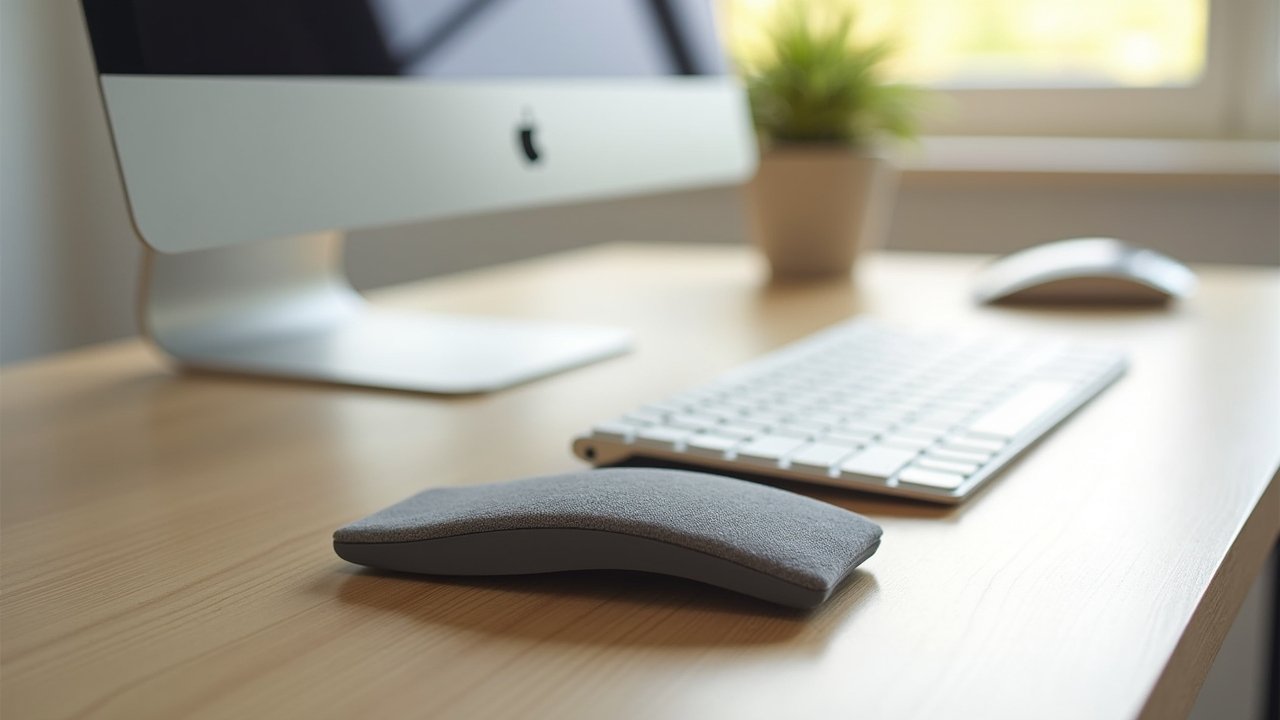
- Adding a gel wrist rest, though honestly I use it more for resting between typing bursts than while actively typing.
Stretch It Out (Yes, Really)
I know, I know. Stretching sounds like the advice your mom would give you. But wrist stretches and hand exercises genuinely made the biggest difference for me, more than any fancy equipment.
Every hour or so, I do what I call the “prayer stretch” — pressing my palms together in front of my chest and slowly lowering them until I feel a stretch in my forearms. I also do simple wrist circles and finger extensions. The Mayo Clinic has some great resources on specific exercises for carpal tunnel prevention that are worth bookmarking.
The key is consistency. Five minutes every hour beats a thirty-minute routine you do once a week and then forget about.
Take Breaks Like Your Wrists Depend on It (Because They Do)
I used to power through four-hour grading sessions without standing up. Not smart. Micro-breaks — even just 30 seconds of shaking out your hands — can reduce the strain on your tendons significantly.
There’s apps like Workrave that remind you to take breaks at set intervals. I was skeptical at first, but having that little popup nudge me to pause actually changed my work habits completely. Sometimes you need a robot to tell you to take care of yourself, and that’s perfectly fine.
Your Wrists Will Thank You Later
Look, wrist pain prevention for computer users isn’t glamorous or exciting. But trust me — dealing with chronic pain and potential surgery down the road is way less exciting. The adjustments are small, the habits are buildable, and your future self will be so grateful you started now.
Everyone’s body is a little different, so experiment with what works for you. And if the pain is already bad, please don’t play tough — go see a doctor or occupational therapist. For more tips on creating a healthier, pain-free workspace, check out the other posts over at Ergonomic Flow. We’ve got plenty more where this came from!