Advertisements
Laptop Ergonomics and Neck Damage: What I Learned After Months of Ignoring the Pain
Here’s a stat that honestly scared me — nearly 1.7 billion people worldwide suffer from musculoskeletal conditions, and neck pain is one of the top offenders. I used to think that was something that happened to other people. You know, older folks or construction workers. Not a guy hunched over his laptop grading papers at the kitchen table!
But here I am, a walking cautionary tale about what poor laptop ergonomics can do to your neck. And honestly, I wish someone had sat me down and explained all this before I spent six months wondering why I couldn’t turn my head to the left without wincing.
Why Your Laptop Is Basically a Neck Destroyer
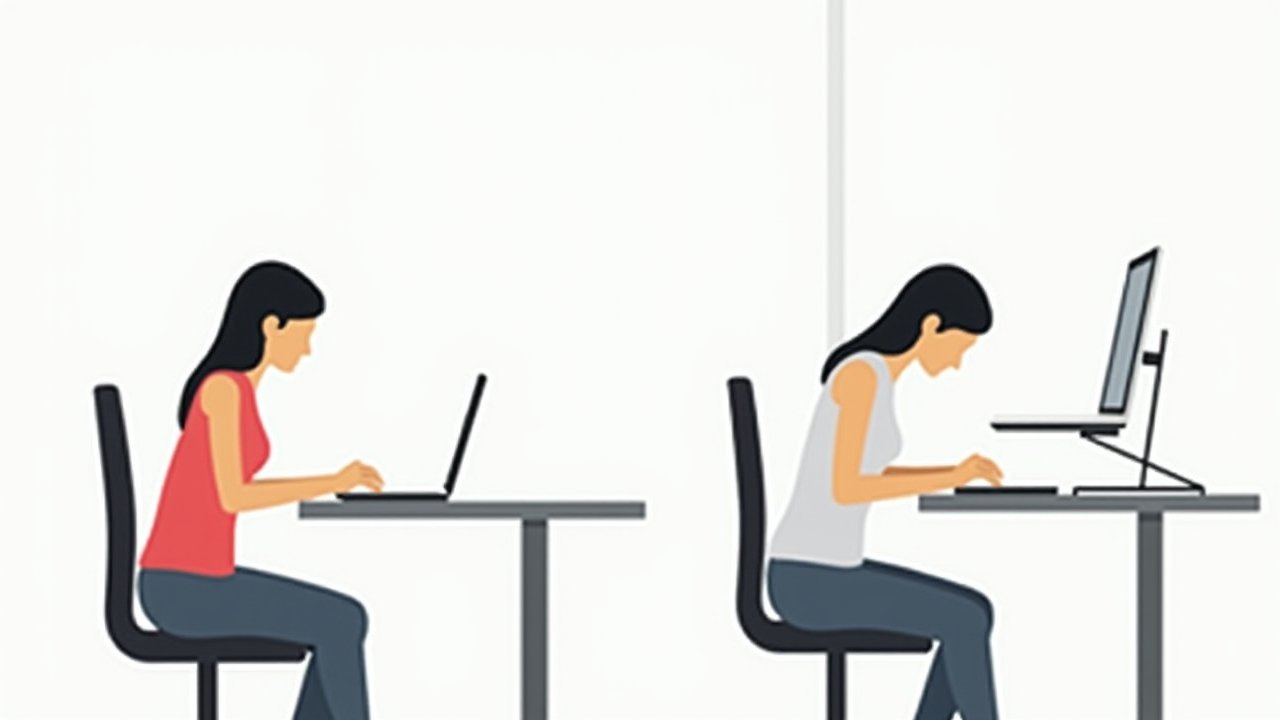
Here’s the thing nobody tells you when you buy a shiny new laptop — that sleek, compact design is terrible for your body. The screen and keyboard are connected, which means when the keyboard is at a comfortable height, the screen is way too low. Your head tilts forward, your shoulders round, and suddenly you’re carrying what feels like a bowling ball on a noodle.
That forward head posture is no joke. For every inch your head drifts forward, it adds roughly 10 extra pounds of force on your cervical spine. I was probably rocking a good three inches of forward tilt during my worst months, and my neck was basically screaming at me to stop.
Advertisements
The Mistakes I Made (So You Don’t Have To)
My biggest mistake? Working from the couch. I thought I was being productive and comfortable at the same time. Turns out, I was slowly wrecking my neck and upper back while binge-watching documentaries during lunch breaks.
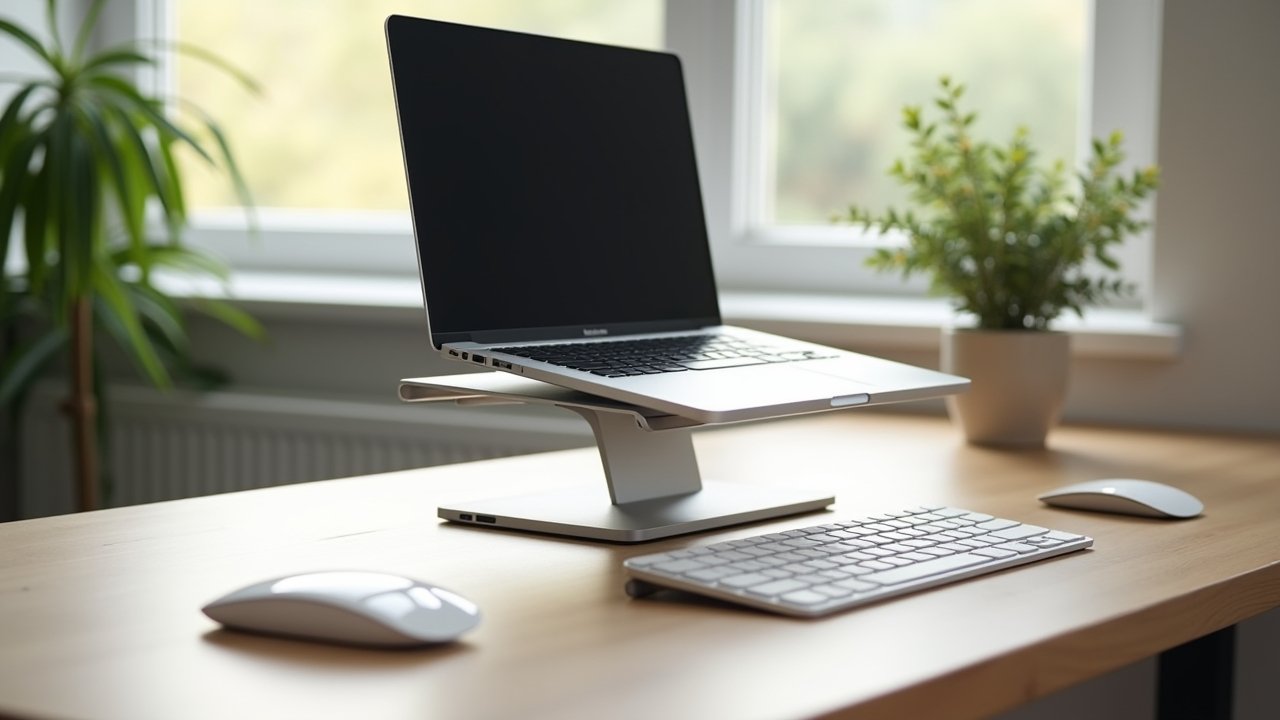
I also never bothered with an external monitor or a laptop stand. Seemed like an unnecessary expense at the time. That decision cost me way more in physical therapy visits than any stand would’ve cost me upfront — trust me on that one.
Another dumb move was ignoring the early warning signs. Slight stiffness in the morning, a little tension headache by 3 PM. I just popped some ibuprofen and kept going. By month four, I had full-blown cervical strain that made it hard to sleep at night.
Simple Fixes That Actually Worked for Me
Once I finally saw a physical therapist (shoutout to my wife for basically forcing me to go), things started to change. The fixes were honestly embarrassingly simple.
- Get a laptop stand or external monitor. I grabbed a basic adjustable laptop stand and paired it with a wireless keyboard. Game changer. The screen should be at eye level so your neck stays neutral.
- Follow the 20-20-20 rule. Every 20 minutes, look at something 20 feet away for 20 seconds. It sounds silly but it forces you to break that hunched posture.
- Do chin tucks daily. My PT showed me these and I thought she was messing with me. But doing 10-15 chin tucks a few times a day seriously helped strengthen my deep neck flexors.
- Set up your workstation properly. Feet flat on the floor, elbows at 90 degrees, screen at arm’s length. It ain’t glamorous but it works.
- Move more. I started setting a timer to get up every 30 minutes. Even a quick stretch or walk to the kitchen helped reset my posture.
When to Actually See a Doctor
Look, I’m not a medical professional — I’m a teacher who learned things the hard way. If you’re experiencing numbness or tingling in your arms, persistent headaches, or neck pain that doesn’t improve after a couple weeks of better habits, please go see someone. Cervical disc issues and nerve compression are real complications from prolonged poor posture, and they need professional attention.
The Mayo Clinic has a solid overview of when neck pain crosses from annoying to concerning. Bookmark it. Seriously.
Your Neck Will Thank You Later
The bottom line is this — laptop ergonomics isn’t some fancy buzzword. It’s the difference between working comfortably for years and dealing with chronic neck damage that follows you everywhere. Start with one small change today, whether that’s raising your screen or just sitting up a little straighter right now.
Everyone’s setup is different, so tweak these tips to fit your life and workspace. And if you’re hungry for more practical advice on making your work life easier on your body, head over to Ergonomic Flow — we’ve got plenty more where this came from!