Advertisements

Ergonomic Accessories Under 50 Dollars That Actually Changed My Work Life
Here’s a stat that honestly blew my mind — nearly 86% of office workers experience some form of discomfort from sitting at their desks all day. I was absolutely one of them. My wrists ached, my neck was stiff by lunch, and I just figured that’s how desk work felt until I started exploring affordable ergonomic solutions.
The thing is, you don’t need to drop hundreds of dollars on a fancy standing desk or a premium office chair to feel better. Some of the best ergonomic accessories under 50 dollars can make a massive difference. Trust me, I learned this the hard way after ignoring my body’s complaints for way too long!
The Wrist Rest That Saved My Typing Life
I’ll never forget the day my wrist pain got so bad I could barely hold a coffee mug. It was a wake-up call. A coworker recommended a simple gel wrist rest for my keyboard, and I grabbed one for like twelve bucks.
Within a week, the difference was noticeable. My wrists weren’t bending at that awkward angle anymore, and the memory foam cushioning kept everything aligned. If you’re dealing with wrist strain or early signs of carpal tunnel, this is honestly the first budget ergonomic upgrade I’d suggest.
Advertisements
A Laptop Stand Changed Everything About My Posture
So here’s where I messed up for years — I just hunched over my laptop like some kind of gremlin. My neck was killing me every single evening. Then I discovered that a basic adjustable laptop stand could bring my screen up to eye level, and most of them cost between 20 and 40 dollars.
The moment I raised my screen, it was like my shoulders finally relaxed for the first time in months. Now, you will need an external keyboard to pair with it, but even a decent one can be found for under fifteen bucks. The combo is a total game-changer for neck and shoulder pain relief.
Don’t Sleep on a Good Ergonomic Mouse
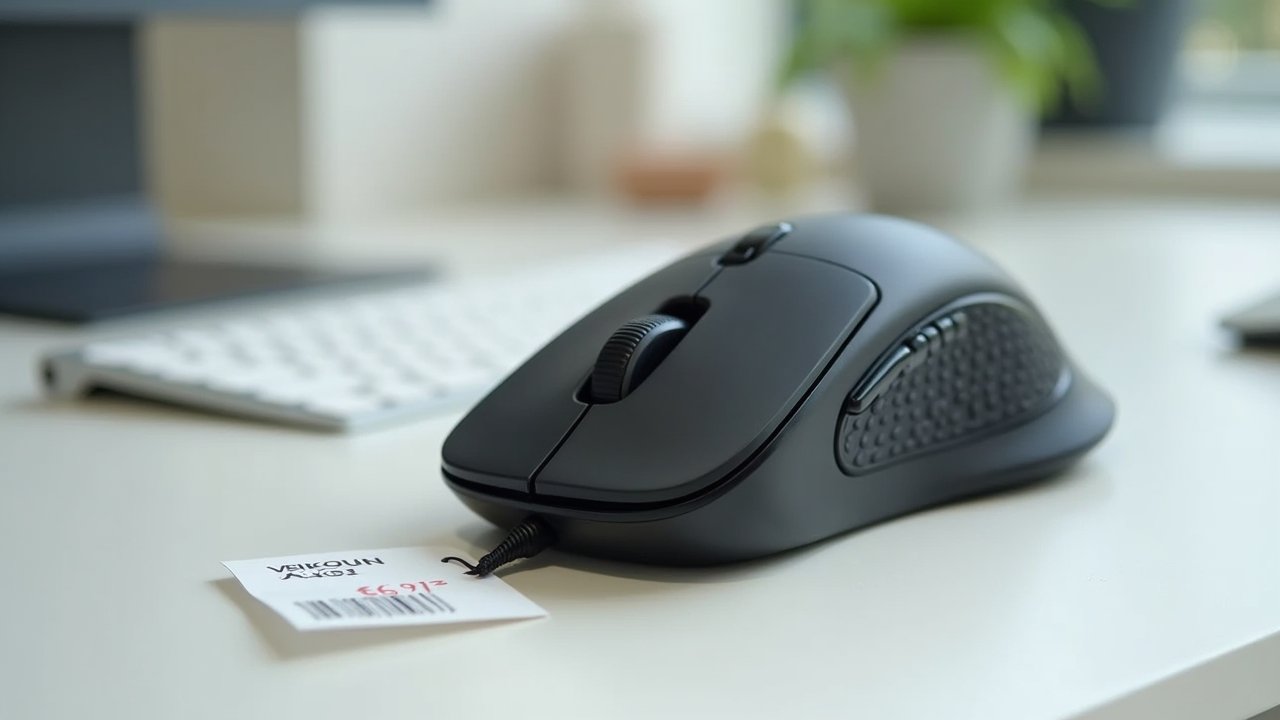
Okay, this one’s a bit of a tangent, but I used to think all mice were basically the same. Wrong. A vertical ergonomic mouse keeps your hand in a natural handshake position instead of that flat, twisted grip we’ve all gotten used to.
I picked up the Anker Vertical Mouse for around 25 dollars, and the forearm tension I didn’t even realize I had just melted away. It feels weird for the first day or two — I’m not gonna lie. But once you adjust, going back to a regular mouse feels straight up wrong.
The Footrest Nobody Talks About
This was a recommendation from my physical therapist, and I kinda rolled my eyes at first. A footrest? Really? But when your feet dangle even slightly off the floor, it puts pressure on your lower back and thighs that builds up throughout the day.
I got a simple under-desk foot rest with an adjustable angle for about 30 bucks. The lower back support improvement was been honestly surprising. My circulation felt better too, and I stopped getting that annoying tingling in my legs by 3 PM.
Quick Wins Under Twenty Dollars
Sometimes the smallest purchases make the biggest impact. Here are a few more affordable ergonomic accessories I’ve tried that actually work:
- Monitor screen filter to reduce eye strain — around $15
- Ergonomic pen grips for those of us who still write by hand — under $10
- A lumbar support cushion that straps to any chair — roughly $18
- Blue light blocking glasses for late-night screen sessions — about $12
None of these are glamorous. But they add up to a workspace that actually works with your body instead of against it.
Your Body Will Thank You Later
Look, investing in ergonomic accessories under 50 dollars isn’t about being fancy — it’s about taking care of yourself before small aches become real problems. Everyone’s setup is different, so experiment with what feels right for your body and desk arrangement.
Just remember that no accessory replaces good habits like taking breaks, stretching, and staying hydrated. Start with one or two upgrades and build from there. And if you’re looking for more tips on creating a comfortable, pain-free workspace, check out more posts on Ergonomic Flow — we’ve got plenty of guides to help you work smarter and feel better!