Advertisements
Walking Pad Home Office Review: I Walked 300 Miles at My Desk and Here’s What Happened
Here’s a stat that honestly freaked me out — the average remote worker sits for about 10 to 15 hours a day. That’s wild, right? When I stumbled across that number last year, I knew something had to change in my home office setup. So I bought a walking pad, shoved it under my standing desk, and started logging miles while answering emails. It’s been about eight months now, and I’ve got some real thoughts to share!
What Even Is a Walking Pad?
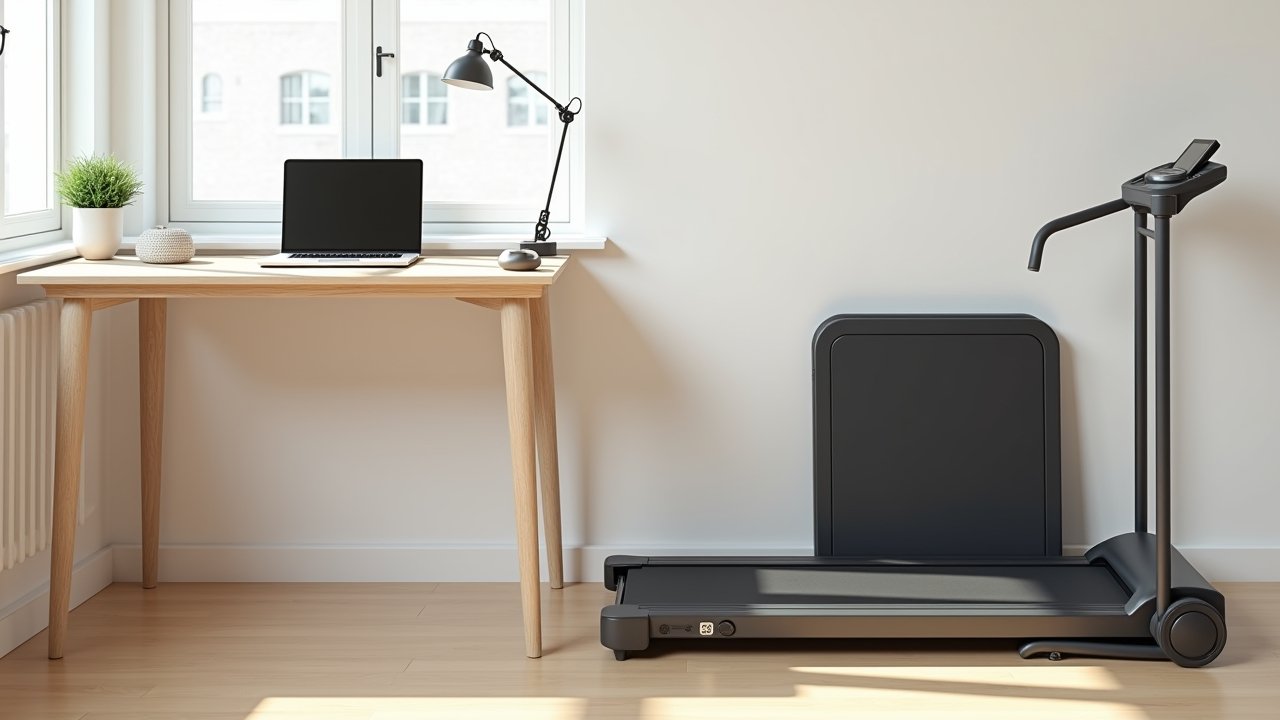
Okay so if you’re not familiar, a walking pad is basically a slim, compact treadmill designed specifically for walking at low speeds. We’re talking 0.5 to 4 mph, not running. They’re thin enough to slide under a couch or standing desk when you’re done.
Most models don’t have handrails, which honestly scared me at first. But the whole point is slow, steady walking while you work — not training for a marathon. Think of it as a way to sneak movement into your day without ever leaving your office.
My Setup and the Models I’ve Actually Tested
I’ve personally used two walking pads over the past eight months. I started with the WalkingPad C2, which ran me about $300, and later tried a friend’s Goplus under-desk treadmill that was closer to $200.
Advertisements
My home office desk is an electric standing desk, which was honestly a non-negotiable for making this work. You need that height adjustment because your ergonomic posture changes once you’re standing and walking versus just standing still. I also grabbed a wireless keyboard and a monitor arm so everything stayed at the right eye level.
One mistake I made early on — I tried using the walking pad on carpet. Don’t do that. It overheated after like 20 minutes and I panicked thinking I’d broken it. Hard floor or a rubber mat underneath is the way to go.
The Good Stuff: What I Actually Love
- Energy levels went through the roof. That 2 PM slump where I used to mainline coffee? Basically gone. Walking at even 1.5 mph keeps your blood flowing and your brain sharp.
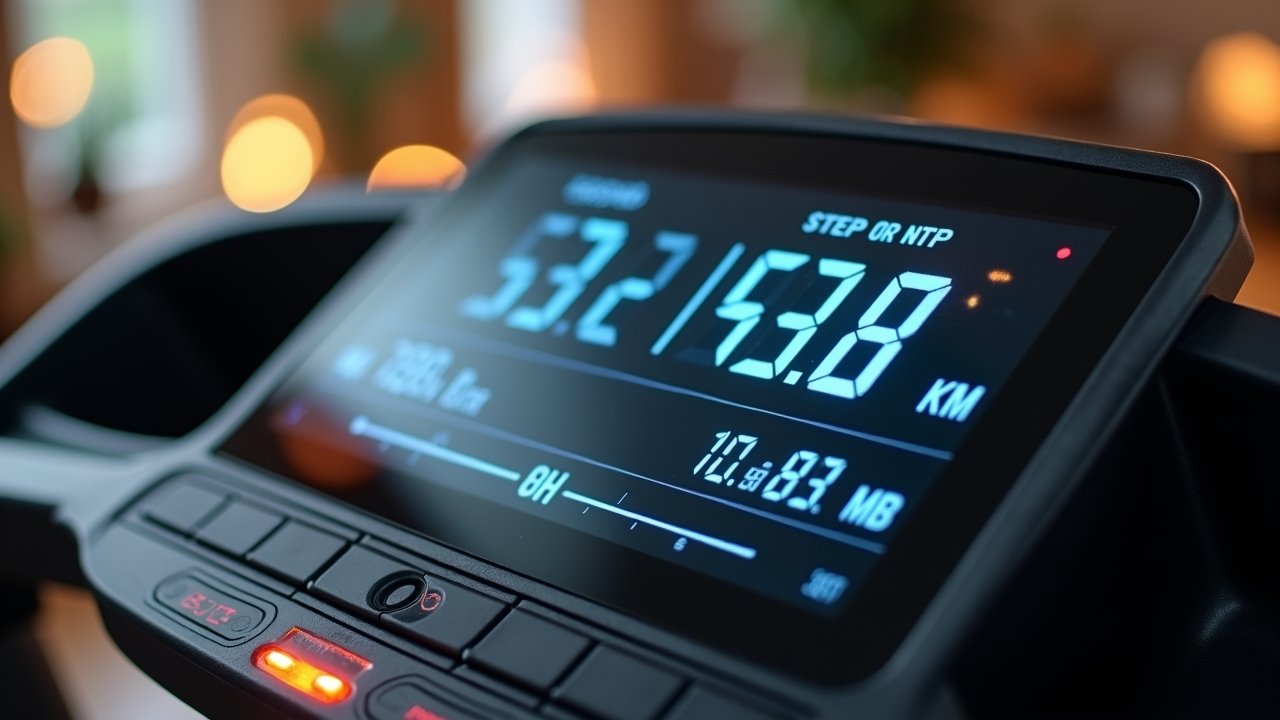
- I hit 10,000 steps without trying. Seriously, some days I’d look down at my watch and I’d already crushed 12,000 steps before lunch.
- Lower back pain improved. I used to have this nagging ache from sitting all day, and it was noticeably reduced after about three weeks of regular walking pad use.
- It’s whisper quiet. The WalkingPad C2 especially — my wife didn’t even know I was walking during Zoom calls.
The Not-So-Great: Real Talk About the Downsides
It’s not all sunshine and step counts though. Typing while walking took some getting used to. The first week, my emails were full of typos and I accidentally sent a half-finished message to my boss. Embarrassing.
Also, deep focus work is harder while moving. When I’m writing reports or doing anything that requires heavy concentration, I step off the pad and just stand or sit. Walking works best for meetings, casual emails, and reading — basically anything that doesn’t need laser focus.
The cheaper models can feel flimsy too. That Goplus unit my buddy had? It wobbled a bit at higher speeds and the belt started slipping after a few months. You kinda get what you pay for here.
Who Should Actually Buy One?
If you work from home and you’re sitting more than six hours a day, a walking pad is honestly one of the best investments you can make for your health. It pairs perfectly with a standing desk and an ergonomic office setup. However, if you have balance issues or a really small workspace, it might not be practical — make sure you’ve got enough room to walk comfortably and safely.
Your Feet Will Thank You Later
Look, a walking pad isn’t going to replace your gym membership or fix everything overnight. But as a tool for staying active during the workday, it’s been a game changer for me. My back feels better, my energy is up, and I’m not glued to my chair for eight hours straight anymore.
Everyone’s setup is different though, so take what works from my experience and adapt it to yours. And hey, if you want more tips on building a healthier workspace, check out the rest of the posts over at Ergonomic Flow — we’ve got tons of stuff to help you work smarter and feel better doing it!