Advertisements
Standing Desk vs Sitting Desk: What I Learned After Switching Back and Forth for Two Years
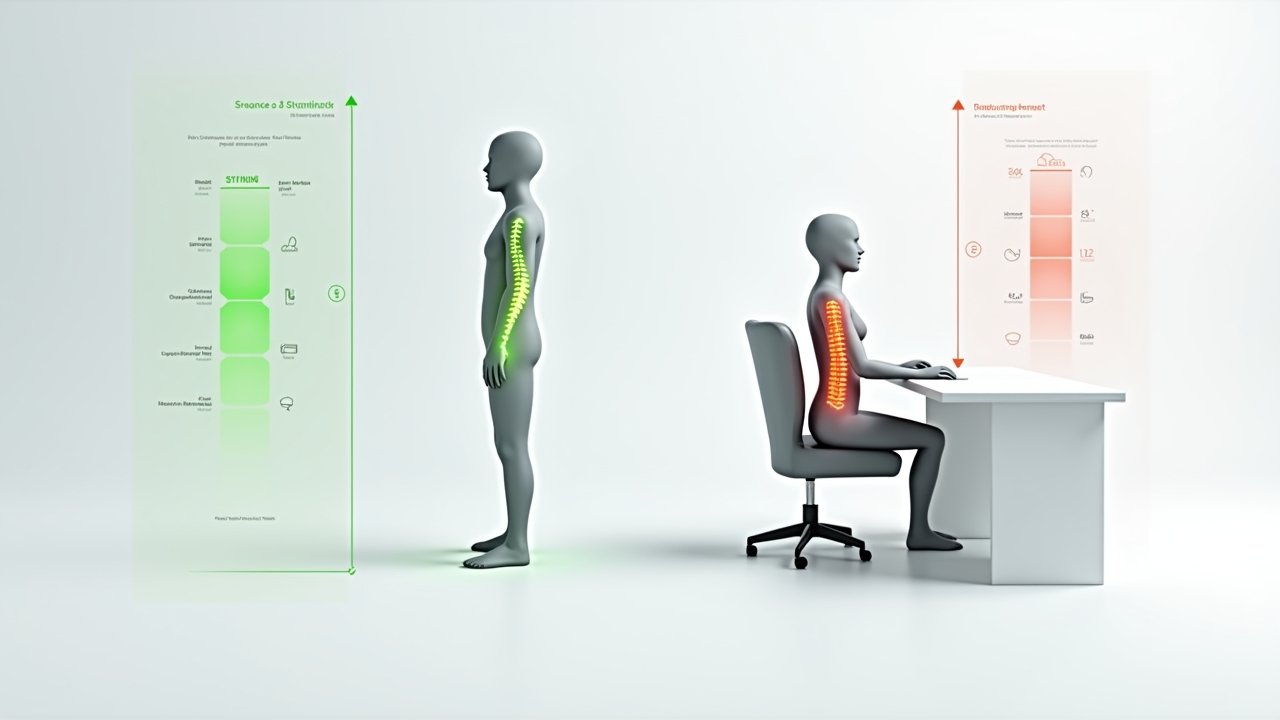
Here’s a stat that honestly freaked me out: the average office worker sits for about 10 hours a day. Ten hours! When I first read that, I looked down at my own chair and felt a little betrayed by it. The whole standing desk vs sitting desk debate has been raging for years now, and I’ve lived on both sides of it — sometimes literally in the same week.
So let me walk you through what I’ve actually experienced, because honestly, the answer isn’t as simple as people make it seem.
Why I Ditched My Sitting Desk in the First Place
About two years ago, my lower back was killing me. Like, couldn’t-tie-my-shoes kind of pain. My doctor told me that prolonged sitting was probably a big contributor, and that sedentary behavior was linked to all sorts of issues — from poor posture to increased risk of cardiovascular problems.
So I did what any overly enthusiastic person would do. I bought a standing desk converter off Amazon, slapped it on my old desk, and declared myself “fixed.” Spoiler alert: I was not fixed.
Advertisements
The first week was rough. My feet ached, my knees were sore, and I found myself shifting around like a kid waiting for recess. I didn’t realize that standing all day comes with its own set of problems, including varicose veins, joint compression, and plain old fatigue.
The Real Benefits of a Standing Desk
Okay, but it wasn’t all bad. Once I got used to it — and honestly, it took about three weeks — I noticed some legit improvements. My energy levels throughout the afternoon were noticeably better, and that dreaded 2 p.m. slump basically disappeared.
Standing while working also kept me more engaged during video calls. Something about being on my feet made me feel more alert and active. Research from the CDC’s workplace health resources supports this, suggesting that sit-stand workstations can improve mood and reduce upper back and neck pain over time.
Plus, I was burning a few more calories throughout the day. Not a ton — we’re talking maybe 50 extra calories per hour compared to sitting — but it added up.
What a Sitting Desk Still Gets Right
Here’s the thing nobody on social media wants to admit: sitting desks aren’t evil. For tasks that require deep focus — like writing reports or grading papers (teacher life, you know) — I honestly perform better sitting down. There’s a comfort and stability to it that helps me concentrate.
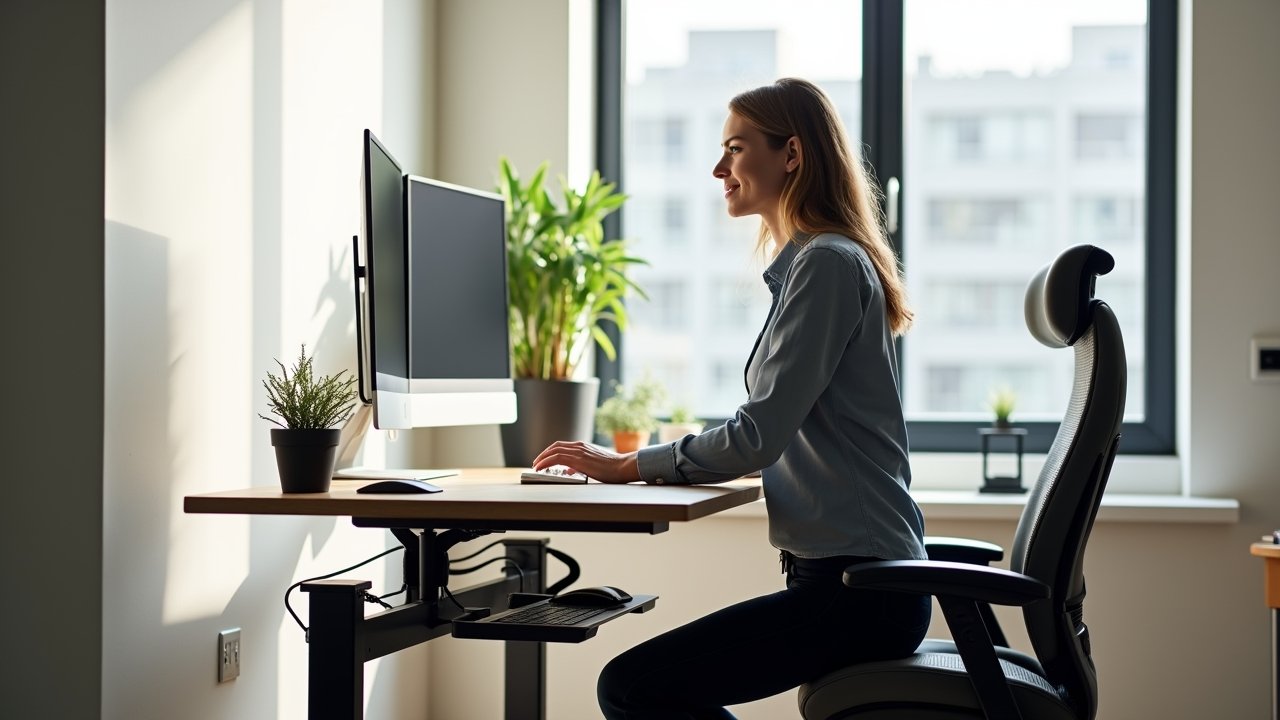
A well-set-up traditional desk with a good ergonomic chair can support your lumbar spine, keep your wrists at the proper height, and reduce strain on your shoulders. The problem was never sitting itself. It was sitting for too long without breaks, and in a crappy chair with terrible posture.
I actually went back to sitting full-time for about a month last year because my knees were bothering me. And you know what? With a proper ergonomic setup and regular movement breaks, I felt pretty great.
The Sweet Spot: Why I Use Both Now
After all my experimenting, here’s what actually works for me — and what most ergonomic experts seem to recommend too. Alternate between sitting and standing throughout the day. The general guideline is roughly 30 minutes of standing for every hour of sitting, but honestly, just listen to your body.
I invested in a proper electric sit-stand desk, and it was a game changer. Now I stand for my morning emails, sit for deep writing sessions, stand again after lunch, and sit when I’m getting tired in the late afternoon. The transitions keep my body from getting locked into one position for too long.
- Stand when you feel sluggish or need energy
- Sit for focused, detail-oriented tasks
- Use an anti-fatigue mat when standing
- Set a timer to remind yourself to switch positions
- Invest in a quality ergonomic chair for your sitting periods
So, Which One Should You Pick?
The standing desk vs sitting desk debate doesn’t really have a winner. It’s not about choosing one over the other — it’s about movement and variety. Your body was designed to move, not to be parked in any single position for eight straight hours.
Whatever you decide, make sure your setup fits your body. Customize your monitor height, keyboard placement, and chair settings to your specific needs. And if something hurts, that’s your body telling you to change things up — don’t ignore it like I did for way too long.
Want more tips on creating a workspace that actually feels good? Head over to the Ergonomic Flow blog for more guides, product recommendations, and real-world advice to keep your body happy while you work!