
Advertisements
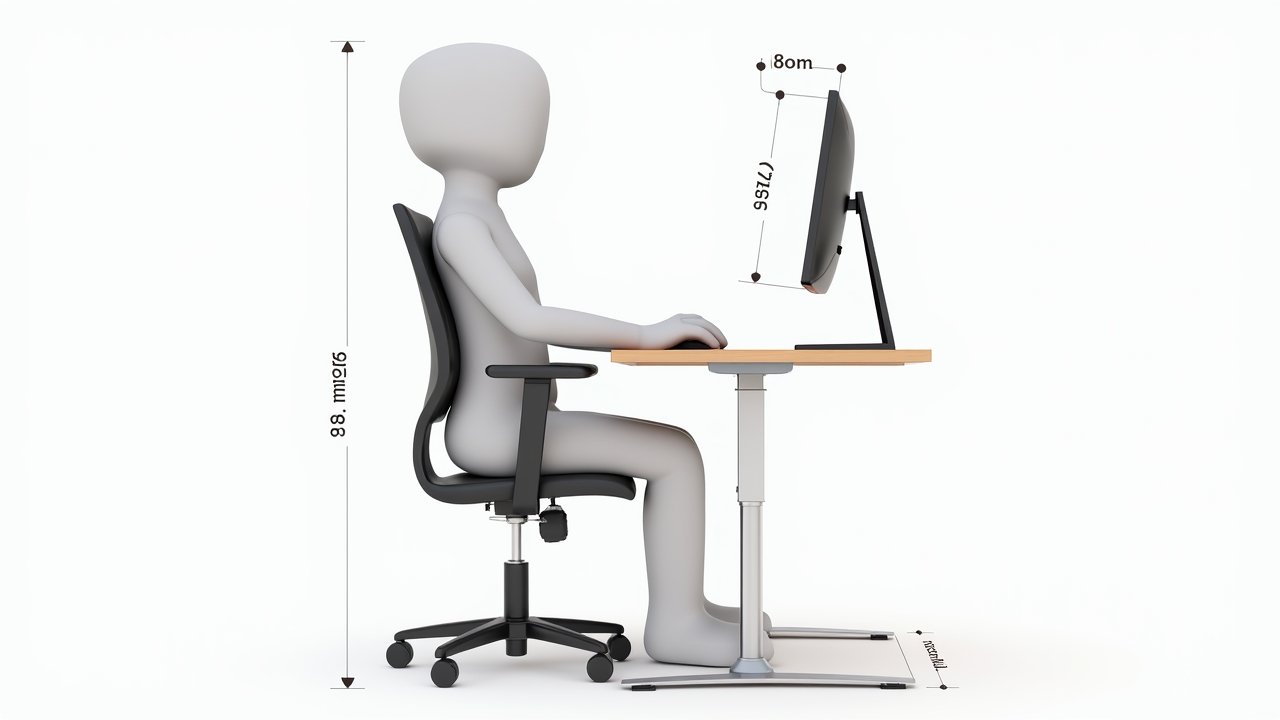
How I Finally Built the Perfect Ergonomic Home Office Setup (After Years of Back Pain)
Here’s a stat that honestly scared me: nearly 1.71 billion people worldwide suffer from musculoskeletal conditions, and a huge chunk of that comes from poor workplace posture. I used to be one of those people. Three years ago, my lower back was absolutely wrecked from hunching over a laptop on my kitchen table, and I knew something had to change!
Building the perfect ergonomic home office setup isn’t just about buying expensive furniture. It’s about understanding how your body actually works and creating a workspace that supports it. I learned this the hard way, so let me walk you through everything I wish someone had told me from the start.
Start With Your Chair — Seriously, Don’t Skimp Here
I made the rookie mistake of spending $800 on a fancy standing desk and then plopping a $50 dining chair in front of it. What a disaster that was. Your ergonomic office chair is hands down the most important investment you’ll make.
Look for adjustable lumbar support, a seat depth that lets you keep about two fingers of space between the edge and the back of your knees, and armrests that let your shoulders stay relaxed. I eventually went with a chair that had a mesh back for breathability, and honestly it changed everything. The Herman Miller Aeron gets recommended a lot, but there’s plenty of solid options in the $300-500 range too.
Advertisements
Your Desk Height Matters More Than You Think
So here’s where I got a little obsessed. Your desk surface should sit at roughly elbow height when your arms are bent at 90 degrees — for most people that’s somewhere around 28 to 30 inches.
A sit-stand desk is a game changer if you can swing it. I alternate between sitting and standing every 45 minutes or so, and my hip flexors have never been happier. Just make sure your monitor height adjusts accordingly when you switch positions, because craning your neck down at a standing desk kinda defeats the whole purpose.
Monitor Placement: The Thing Everyone Gets Wrong
This one’s huge. Your screen should be at arm’s length away, with the top of the monitor at or slightly below eye level. I spent months with my laptop screen way too low before I finally grabbed a monitor arm, and the neck strain relief was almost immediate.
If you’re using a laptop, please get yourself an external keyboard and a laptop stand. I was being stubborn about this for the longest time. A simple monitor riser or even a stack of books can work in a pinch — no judgment here.
Keyboard, Mouse, and the Little Stuff That Adds Up
Your wrists should float in a neutral position when typing. Not bent up, not bent down. An ergonomic keyboard with a slight split design helped me get rid of some wrist pain I’d been dealing with for ages.
Don’t forget about a good mouse either. Vertical mice feel weird at first, I’m not gonna lie, but they keep your forearm in a more natural handshake position. Also — and this is the tangent nobody asked for — get a decent desk lamp. Poor lighting causes you to lean forward and squint, which throws your whole posture out of whack.
The Extras That Took My Setup From Good to Great
- A footrest to keep my feet flat when the chair’s raised higher
- A document holder next to my monitor so I’m not constantly looking down
- Blue light glasses for those late-night work sessions
- A timer app that reminds me to take micro-breaks every 30 minutes
These small additions were honestly the finishing touches that made my workspace feel complete. None of them costed more than $40, and they made a noticeable difference in my daily comfort.
Your Body Will Thank You Later
Look, creating the perfect ergonomic home office setup is a process, not a one-time purchase. What works for my 5’10” frame might need tweaking for yours, and that’s totally fine. The key is paying attention to what your body’s telling you and making adjustments along the way.
Start with one change this week — even if it’s just raising your monitor to eye level. Your future self will be grateful, trust me. And if you want more tips on creating a healthier workspace, swing by the Ergonomic Flow blog where we’re always sharing practical advice to help you work smarter and pain-free!