How to Fix Your Posture Working From Home (Before Your Back Stages a Full Revolt)
Advertisements
Here’s a stat that honestly scared me: nearly 1.7 billion people worldwide deal with musculoskeletal conditions, and poor posture is a massive contributor. When I started working from home back in 2020, I thought I’d hit the jackpot. No commute, sweatpants all day, working from the couch like a king. Fast forward six months and my upper back was a mess of knots, my neck felt like it was made of cement, and I was getting headaches almost every afternoon!
If you’re trying to fix your posture while working from home, trust me — you’re not alone, and it’s way more important than most people realize. Let’s talk about what actually works, because I learned most of this the hard way.
Why Your Home Office Is Wrecking Your Body
Here’s the thing nobody tells you when you start remote work. Your kitchen table was not designed for eight-hour workdays. I spent my first few months hunched over a laptop on a dining chair, and my spine was basically shaped like a question mark by lunchtime.
The problem is that without a proper ergonomic setup, your body compensates in all the wrong ways. Your shoulders round forward, your head juts out like a turtle, and your lower back loses its natural curve. This is what physical therapists call “forward head posture,” and according to Spine-Health, every inch your head moves forward adds roughly 10 extra pounds of pressure on your cervical spine. Wild, right?
Start With Your Chair and Desk Setup
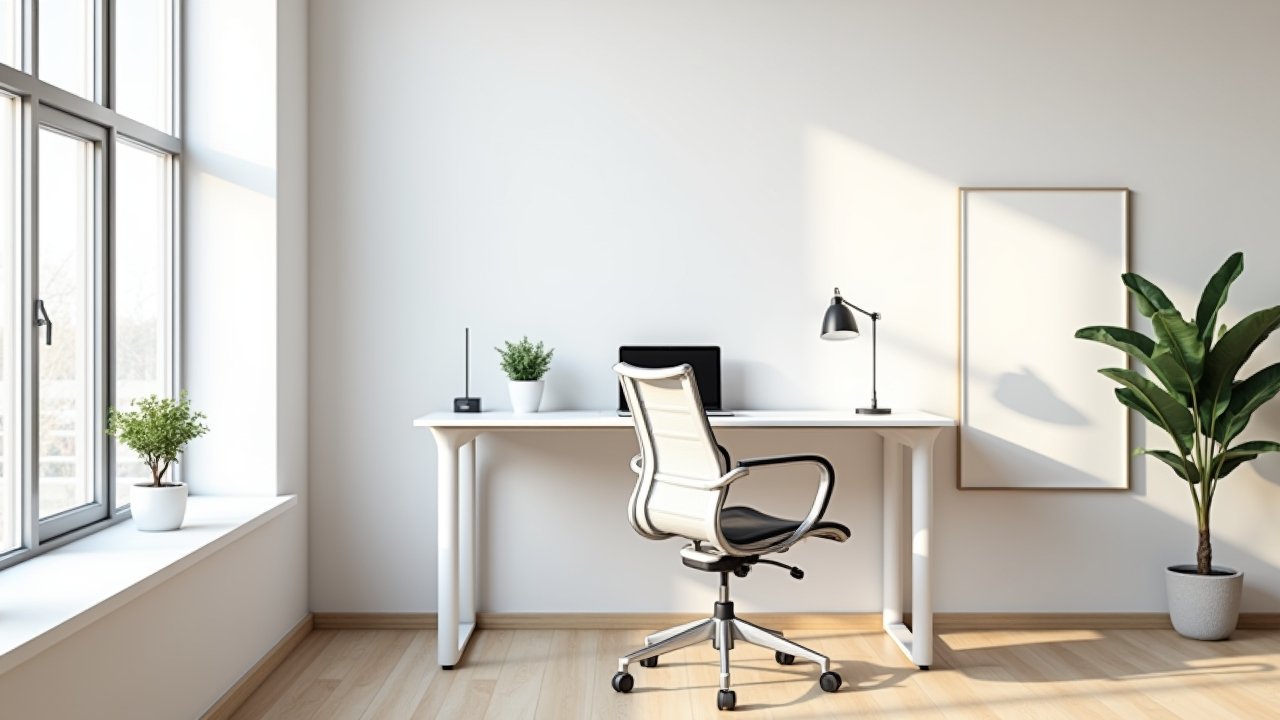
Okay so the single biggest game-changer for me was getting my workstation right. You don’t need to spend a fortune either. Here’s what I learned matters most:
Advertisements
- Your monitor or laptop screen should be at eye level so you’re not looking down all day.
- Your feet should be flat on the floor with knees at roughly 90 degrees.
- Your elbows should rest at a 90-degree angle when typing.
- There should be lumbar support in your chair — even a rolled-up towel works in a pinch.
I actually used a stack of old textbooks to raise my laptop for like three months before I finally caved and bought a laptop stand. Not glamorous, but it worked. The point is, get that screen up and your shoulders will thank you almost immediately.
Movement Is the Real Secret Sauce
Here’s where I messed up for the longest time. I thought fixing posture was all about sitting perfectly still in the “correct” position. Nope. The best posture is your next posture — meaning you gotta move throughout the day.
I now set a timer on my phone for every 45 minutes. When it goes off, I stand up, do some stretches, walk to the kitchen, whatever. It felt annoying at first, honestly. But after a couple weeks my mid-back pain that I’d been dealing with for months started fading, and I was genuinely shocked.
Simple stretches like chin tucks, chest openers, and cat-cow stretches can do wonders for reversing that hunched-over desk posture. The Mayo Clinic has a great guide on office ergonomics and micro-breaks that’s worth bookmarking.
Strengthen What’s Been Weakened
Stretching alone wasn’t enough for me though. After seeing a physiotherapist — which I probably should of done way sooner — I learned that my upper back muscles were basically asleep. Years of slouching had made them weak and overstretched while my chest muscles were tight and overactive.
Exercises like band pull-aparts, wall angels, and rows were recommended to me. I started doing them three times a week, just 10 minutes a session. Within about a month, holding good posture actually felt natural instead of exhausting. That was a real turning point.
Your Back Will Thank You Later
Look, fixing your posture working from home isn’t a one-day project. It’s a bunch of small adjustments that add up over time — your chair setup, your movement habits, your stretching routine, and a little bit of strengthening work. Everyone’s body is different too, so tweak these suggestions until they fit your situation.
And please, if you’re dealing with actual pain, go see a professional before pushing through it. That’s one mistake I won’t make twice. If you want more tips on creating a healthier workspace and taking care of your body during remote work, browse around the Ergonomic Flow blog — we’ve got plenty more where this came from!