Advertisements
Dual Monitor Ergonomic Setup Tips That Saved My Neck (Literally)
Here’s a stat that stopped me in my tracks: the average office worker spends over 1,700 hours a year staring at screens. When I switched to a dual monitor setup back in 2019, I thought I was being super productive. Turns out, I was slowly wrecking my neck and shoulders because I had no clue what I was doing!
Getting your dual monitor ergonomic setup right matters more than most people realize. I learned that the hard way after three months of constant headaches and a physical therapist bill that made me want to cry. So let me walk you through everything I’ve picked up since then, mistakes and all.
Position Your Monitors at the Right Height
This was my biggest screw-up early on. I had one monitor sitting on a stack of old textbooks and the other just flat on the desk. The top of each screen should be at or slightly below your eye level, according to OSHA’s workstation guidelines.
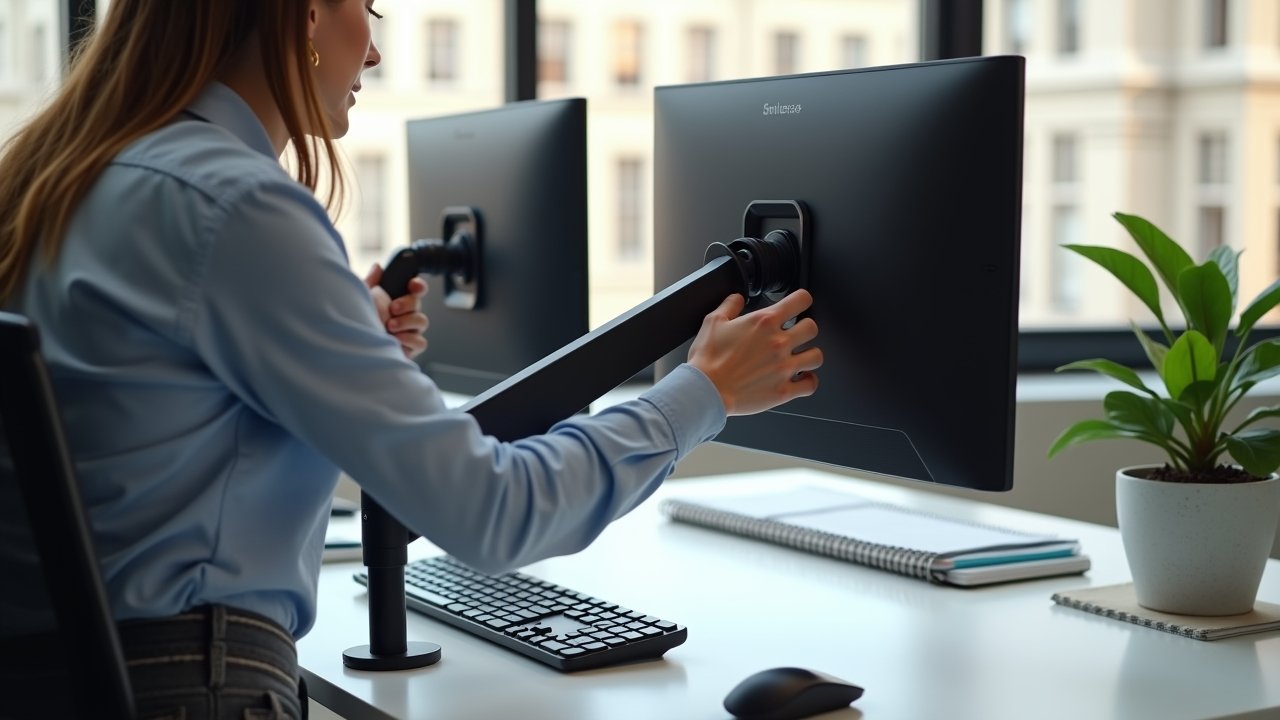
I eventually invested in a dual monitor arm, and honestly it was a game-changer. A good monitor arm lets you adjust height independently for each screen, which is crucial if your monitors aren’t the same size. Mine weren’t, and that mismatch was being felt in my neck for weeks before I figured it out.
Advertisements
Get the Distance and Angle Right
Your monitors should sit about an arm’s length away from your face. That’s roughly 20 to 26 inches. I remember measuring mine and realizing I’d been leaning forward like a gopher poking out of a hole, which explained the lower back pain.
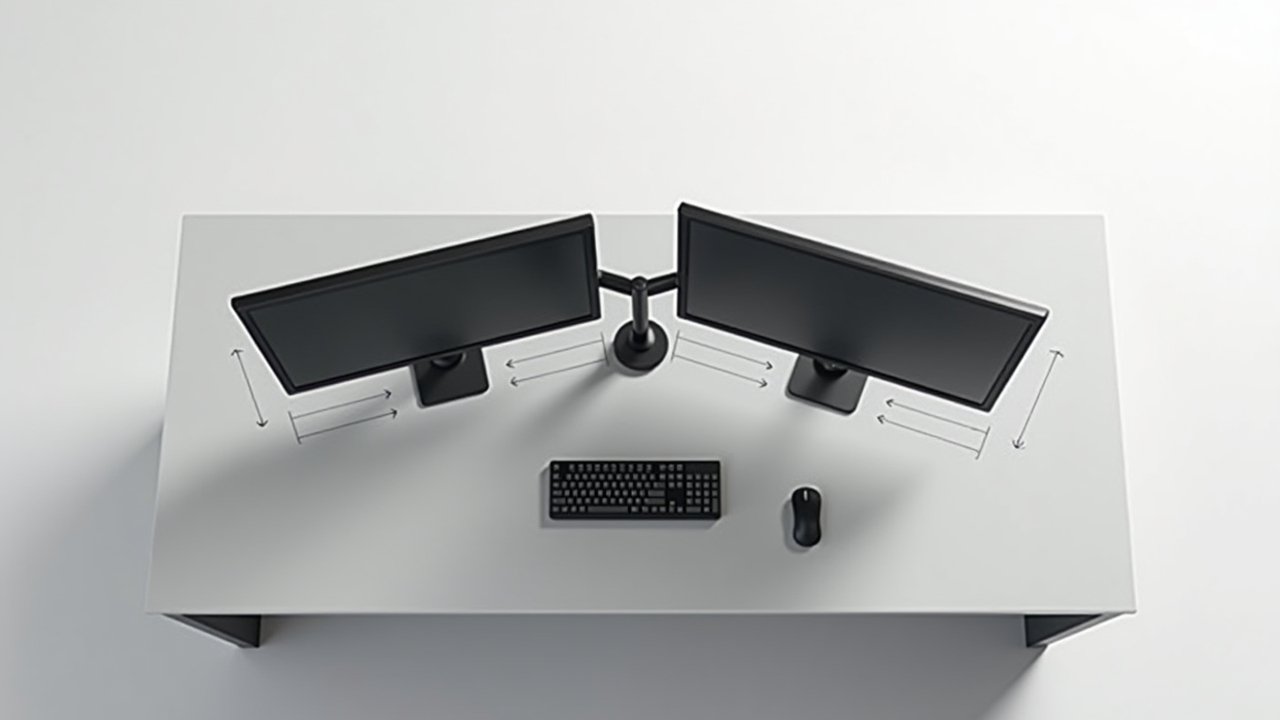
Now here’s something people overlook — the angle between the two screens matters a ton. You want them arranged in a slight V-shape, angled maybe 15 to 20 degrees inward. This way your eyes don’t have to do all the heavy lifting when glancing between screens. The Cornell University Ergonomics Lab has some great visual references for this if you’re a visual learner like me.

Decide Which Monitor Is Your Primary
This one tripped me up for a while. If you use one monitor way more than the other, that screen should be placed directly in front of you. The secondary monitor goes off to the side. Simple enough, right?
But if you use both screens equally — like I do when I’m writing on one and researching on the other — center the two monitors so the bezel where they meet is right in front of your nose. I spent months with my primary screen off to the left and couldn’t understand why my right shoulder was always tense. Turns out I was twisted slightly all day long without even noticing.
Don’t Forget About Lighting and Glare
So this is kind of a tangent, but it’s important. Having two monitors means double the opportunity for screen glare. Position your setup perpendicular to windows if you can, not facing them or with your back to them.
I added a bias lighting strip behind both my monitors and it reduced my eye strain dramatically. Those LED strips cost like fifteen bucks and they make a huge difference for reducing the contrast between your bright screens and the dark wall behind them. Your eyes will thank you after long work sessions.
Your Chair and Desk Height Still Matter
You can nail the perfect monitor placement and still be uncomfortable if your desk ergonomics are off. Your elbows should rest at about 90 degrees, feet flat on the floor or on a footrest. I was guilty of sitting in a cheap dining chair for way too long before upgrading to a proper ergonomic office chair with lumbar support.
A sit-stand desk is also worth considering if you’re going the dual monitor route. Standing periodically throughout the day helps offset some of that prolonged sitting damage. The Mayo Clinic recommends alternating between sitting and standing every 30 to 60 minutes.
Your Setup Should Work for You, Not Against You
Look, everybody’s body is different. What works for my 5’10” frame might be totally wrong for you, so take these dual monitor ergonomic setup tips as a starting point and tweak from there. Pay attention to what your body is telling you — soreness and fatigue are signals, not just inconveniences.
If you found this helpful, there’s plenty more practical advice over at Ergonomic Flow where we dig into workspace wellness topics every week. Go poke around and find what fits your situation. Your future self will be grateful you did!