Advertisements
Monitor Arms for Home Office Flexibility: Why I’ll Never Go Back to a Fixed Stand
Here’s a stat that honestly blew my mind — the average remote worker spends over 6 hours a day staring at their screen. I was definitely one of those people, hunched over my desk like a gargoyle, wondering why my neck felt like it was made of concrete. Then I discovered monitor arms, and honestly? It changed everything about how I work from home.
If you’re working from a home office setup and haven’t considered a monitor arm yet, stick with me. This is one of those upgrades that sounds boring but feels absolutely life-changing once you make the switch.
What Exactly Is a Monitor Arm and Why Should You Care?
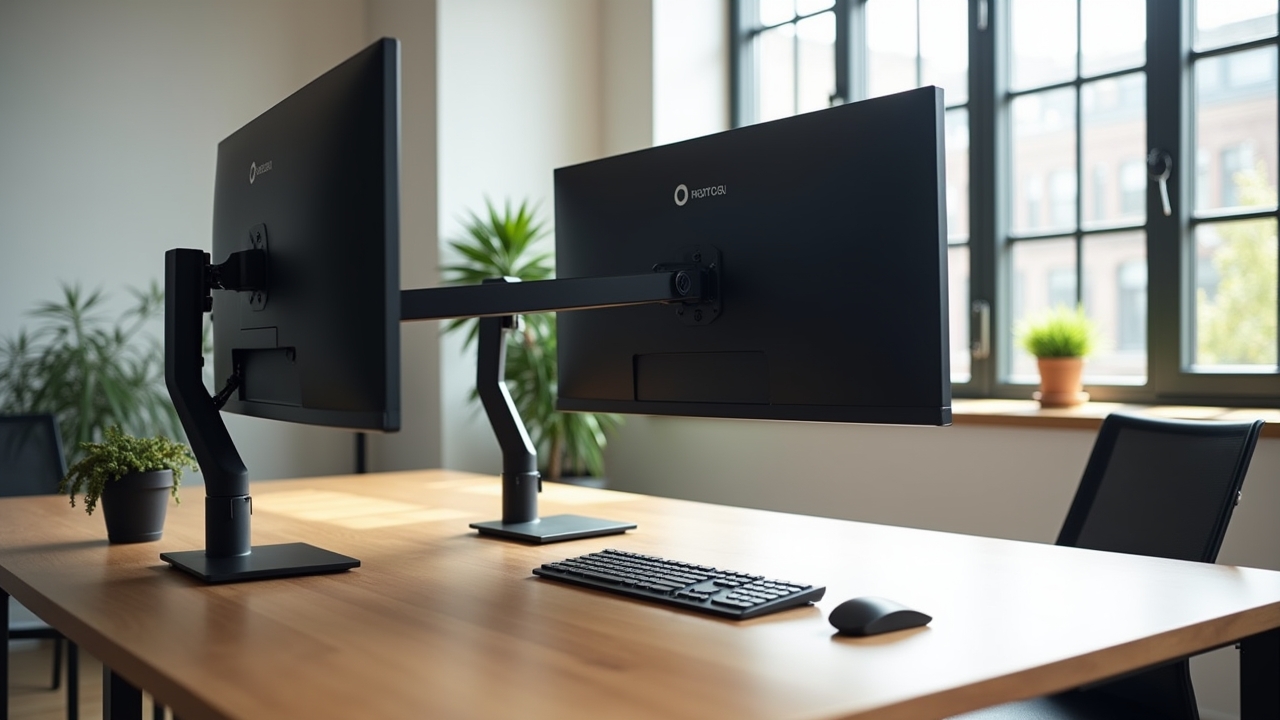
A monitor arm is basically an adjustable mount that clamps to your desk and holds your screen in place. Instead of your monitor just sitting there on its chunky factory stand, it floats. You can push it, pull it, tilt it, raise it, lower it — whatever your body needs in the moment.
The flexibility part is what really matters for home office setups. See, most of us don’t have fancy ergonomic furniture at home like they do in corporate offices. We’re working on kitchen tables, old IKEA desks, sometimes even the couch (no judgment, I’ve been there). A good desk mount monitor arm basically compensates for all that by letting you position your screen at the perfect height and distance.
Advertisements
My Embarrassing “Before” Setup
I gotta be honest about where I started. For the first year of working from home, my monitor was propped up on a stack of old textbooks. Like, actual dusty college textbooks from 2005. It was wobbly, it looked ridiculous, and the height was never quite right.
My neck and shoulders were a mess. I’d finish the workday and literally not be able to turn my head to check my blind spot while driving. That’s when I knew something had to change, and a coworker mentioned getting a single monitor arm with gas spring adjustment. Best recommendation I ever got.
The Flexibility Factor: More Than Just Moving a Screen Around
When people hear “monitor arm home office flexibility,” they usually think it just means you can adjust height. But it’s so much more than that. Here’s what real desk flexibility looks like:
- You can switch between sitting and standing positions instantly without readjusting everything
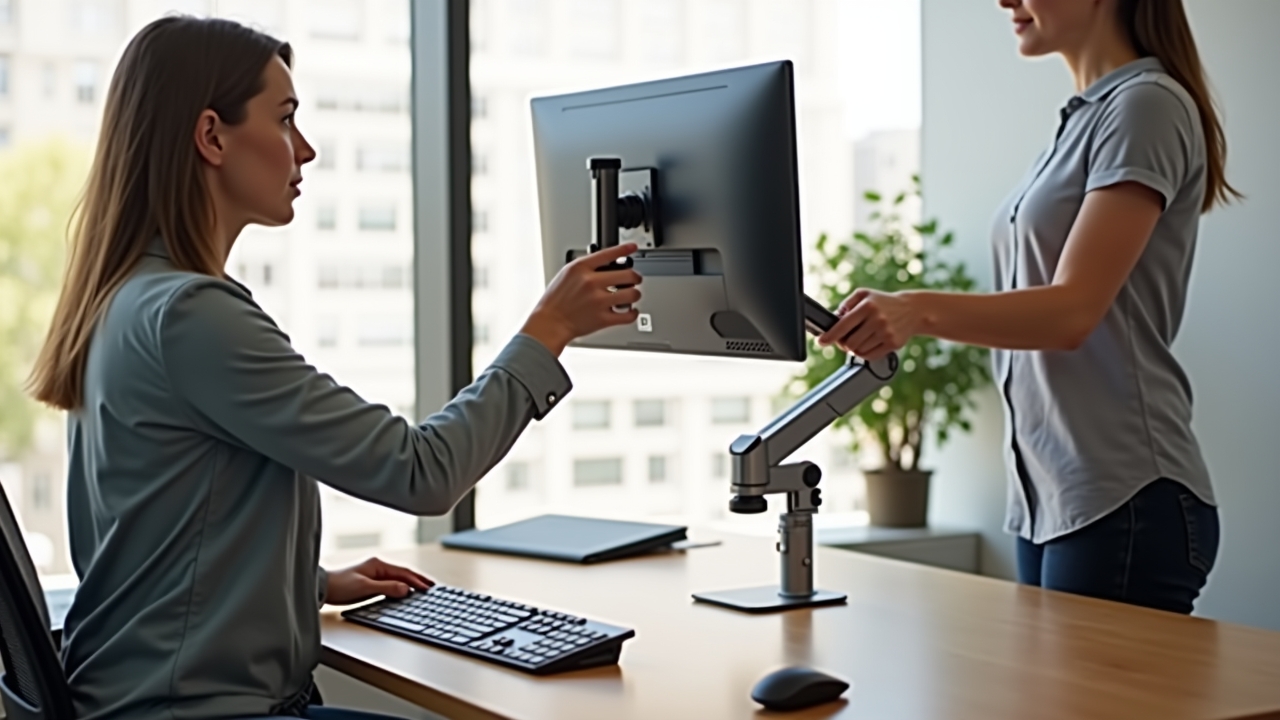
- Swivel your screen to show something to someone else in the room
- Pull the monitor closer when you’re reading tiny spreadsheet text, then push it back for video calls
- Rotate from landscape to portrait mode for reading long documents or coding
- Free up valuable desk space since the original stand is gone
That last one was huge for me. My desk is not big — maybe 48 inches wide — and removing that bulky monitor stand gave me back like a square foot of workspace. Sounds small, but it was enough room for my notebook and coffee mug to actually coexist peacefully.
What to Look For When Buying One
I made the mistake of buying the cheapest monitor arm I could find on my first try. It sagged within a week. The screen would slowly drift downward throughout the day like it was falling asleep. So learn from my failure here.
First, check your monitor’s weight and make sure the arm supports it. Most arms handle between 7 to 20 pounds, but don’t just guess. Second, look for a gas spring mechanism rather than a mechanical one — the adjustment is way smoother and you can reposition with one hand. Third, make sure your desk can handle a clamp mount; if you’ve got a glass desk, you’ll probably need a grommet mount instead.
Also consider whether you need a single or dual monitor arm. I started with one and added a second monitor about six months later. Wish I’d just gotten a dual arm from the start — would’ve saved me some money.
VESA Compatibility Matters
Almost forgot this one. Your monitor needs to have a VESA mount pattern on the back — it’s usually 75x75mm or 100x100mm. Most monitors made in the last decade have this, but double-check before you order. I’ve seen people get burned by that.
Your Desk, Your Rules
Look, the whole point of a home office is that you get to set it up your way. A monitor arm gives you the ergonomic flexibility to adapt your workspace to your body instead of forcing it the other way around. Your neck, shoulders, and back will thank you — mine certainly did.
Everyone’s setup is a little different, so take the time to experiment with positioning once you’ve got everything installed. And if you’re looking for more tips on building an ergonomic workspace that actually works for you, head over to the Ergonomic Flow blog — there’s a ton of practical stuff there to help you work smarter and more comfortably.