Advertisements
The Desk Ergonomics Checklist That Finally Fixed My Aching Back (And How to Score Your Own Workspace)
Here’s a stat that honestly blew my mind: nearly 86% of office workers experience some form of discomfort caused by their workstation setup, according to OSHA’s ergonomics guidelines. I was definitely one of them. For years, I ignored the nagging pain in my shoulders and that weird tingling in my wrists, thinking it was just “part of the job.” Spoiler alert — it wasn’t!
That’s exactly why I became obsessed with building a desk ergonomics checklist and scoring my workspace properly. And honestly, it changed everything. Let me walk you through exactly what I did so you can do it too.
Why You Even Need a Workspace Score
So I used to think ergonomics was just about buying an expensive chair and calling it a day. Boy, was I wrong. A proper workspace score evaluates multiple factors — your monitor height, chair adjustments, keyboard placement, lighting, and even how your feet sit on the floor.
Think of it like a report card for your desk. You’re basically grading each element of your setup and identifying where things are falling apart. Once I started looking at my workspace this way, I realized my setup was maybe a 3 out of 10. Embarrassing, honestly.
Advertisements
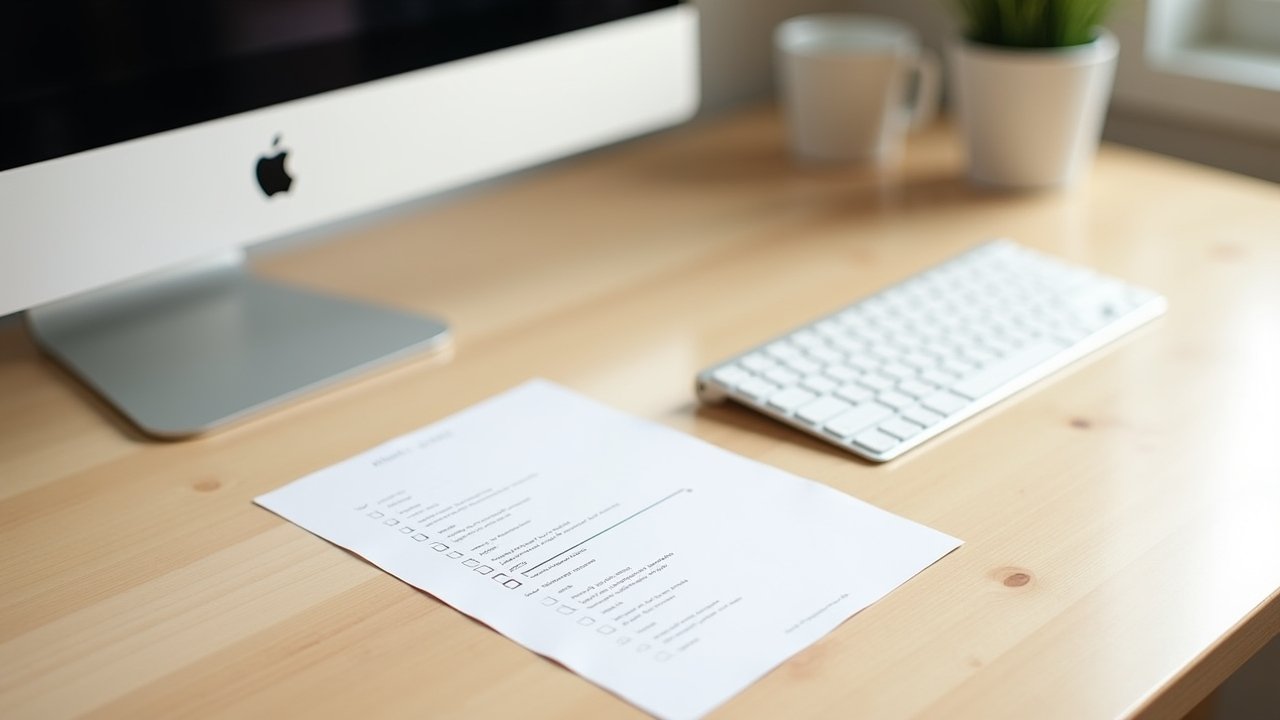
My Go-To Desk Ergonomics Checklist
After tons of research and a couple visits to a physical therapist (yeah, it got that bad), I put together this checklist that I still use today. Here’s what you should be evaluating:
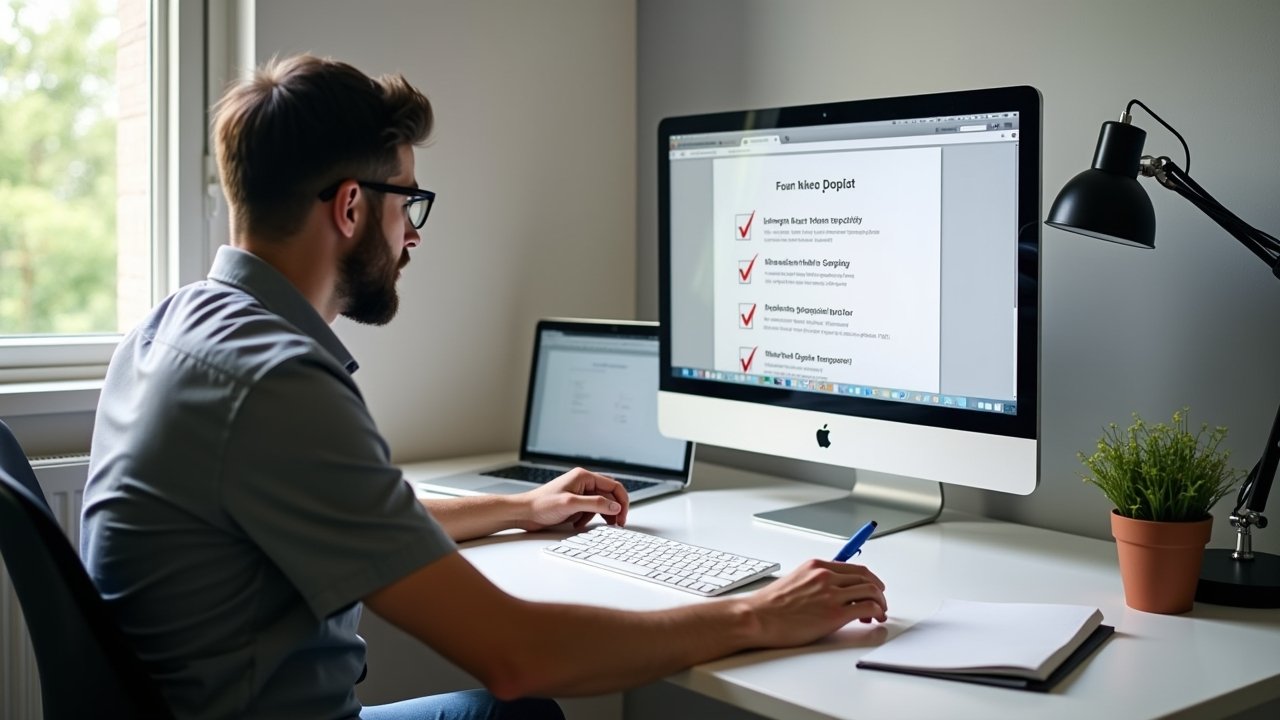
- Monitor Position: The top of your screen should be at or slightly below eye level. I had mine way too low for years and my neck was paying the price.
- Chair Height: Your feet should be flat on the floor with your thighs parallel to the ground. If they’re dangling, grab a footrest.
- Keyboard and Mouse Placement: Elbows at roughly 90 degrees, wrists neutral — not bent up or down. This one was a game-changer for my carpal tunnel issues.
- Lumbar Support: Your lower back needs to be supported by the chair’s curve or a separate cushion. No slouching allowed.
- Desk Height: Typically between 28 to 30 inches for most people, but adjustable standing desks give you way more flexibility here.
- Lighting: No glare on the screen and enough ambient light so you’re not squinting like a mole.
- Screen Distance: About an arm’s length away from your face. I literally measured this with my arm the first time.
How to Actually Score Your Setup
Here’s the fun part — or the terrifying part, depending on how your desk looks right now. I give each checklist item a score from 1 to 5. A “1” means it’s totally wrong, and a “5” means it’s dialed in perfectly.
Add up your scores and divide by the number of categories. If you’re hitting above a 4, you’re in great shape. Between 3 and 4? There’s room for improvement but you’re not in crisis mode. Below 3, though — we gotta talk.
When I first scored myself, I got a 2.4. My monitor was sitting on a stack of old textbooks (not ideal), and my chair was a wooden dining chair. I mean, what was I thinking? Within a month of making adjustments, my score jumped to a 4.3 and my back pain was noticeably reduced.
Quick Fixes That Make a Big Difference
You don’t need to spend hundreds of dollars overnight. Start with the stuff that’s free — adjusting your chair height, repositioning your monitor, and being mindful of your posture. Sometimes just scooting your keyboard forward two inches fixes everything.
Also, take breaks. Seriously. The 20-20-20 rule is something I swear by now. Every 20 minutes, look at something 20 feet away for 20 seconds. Your eyes and your neck will thank you.
Your Desk Deserves Better (And So Do You)
Look, a proper desk ergonomics checklist isn’t just some corporate wellness buzzword. It’s the difference between feeling great at 5 PM and barely being able to stand up. Score your workspace honestly, fix what you can, and keep tweaking over time — everyone’s body is a little different, so customize this to fit you.
And if you want more tips on building a workspace that actually supports your body, head over to Ergonomic Flow for more practical guides. Your future self will be grateful, trust me.