Advertisements

Ergonomic Keyboard and Mouse Benefits: Why I Wish I’d Switched Sooner
Here’s a stat that honestly shook me — according to the Bureau of Labor Statistics, musculoskeletal disorders account for nearly 30% of all worker injury and illness cases. I was almost one of those numbers. After spending years hunched over a flat keyboard with a cheap mouse, my wrists were basically screaming at me every single night!
If you spend more than a few hours a day at a computer, the ergonomic keyboard mouse benefits are something you genuinely need to hear about. Trust me, I learned the hard way. Let me walk you through what changed for me and why it might change things for you too.
My Wrists Were a Disaster (And I Ignored It)
So back in 2021, I started getting this tingling sensation in my right hand after long workdays. I shrugged it off like an idiot. “It’s probably nothing,” I told myself, as if repetitive strain injury was just gonna fix itself.
It wasn’t until a coworker mentioned she’d switched to a split ergonomic keyboard that I even considered my setup might be the problem. Turns out, the traditional flat keyboard forces your wrists into an unnatural pronated position. That’s basically your body working against itself for eight hours straight.
Advertisements
The Real Benefits of an Ergonomic Keyboard
Once I finally made the switch, the difference was honestly wild. Within about two weeks, that nagging wrist pain started fading. Here’s what an ergonomic keyboard actually does for you:
- Reduces wrist pronation by keeping your hands in a more natural, neutral position
- Decreases muscle strain in your forearms and shoulders
- Helps prevent carpal tunnel syndrome and other repetitive stress injuries
- Encourages better overall posture at your workstation
The split design was weird at first, not gonna lie. My typing speed dropped for like a week and I was so frustrated I almost gave up. But your muscle memory adapts faster than you’d think, and now I actually type faster than I did before.
Why an Ergonomic Mouse Matters Just as Much
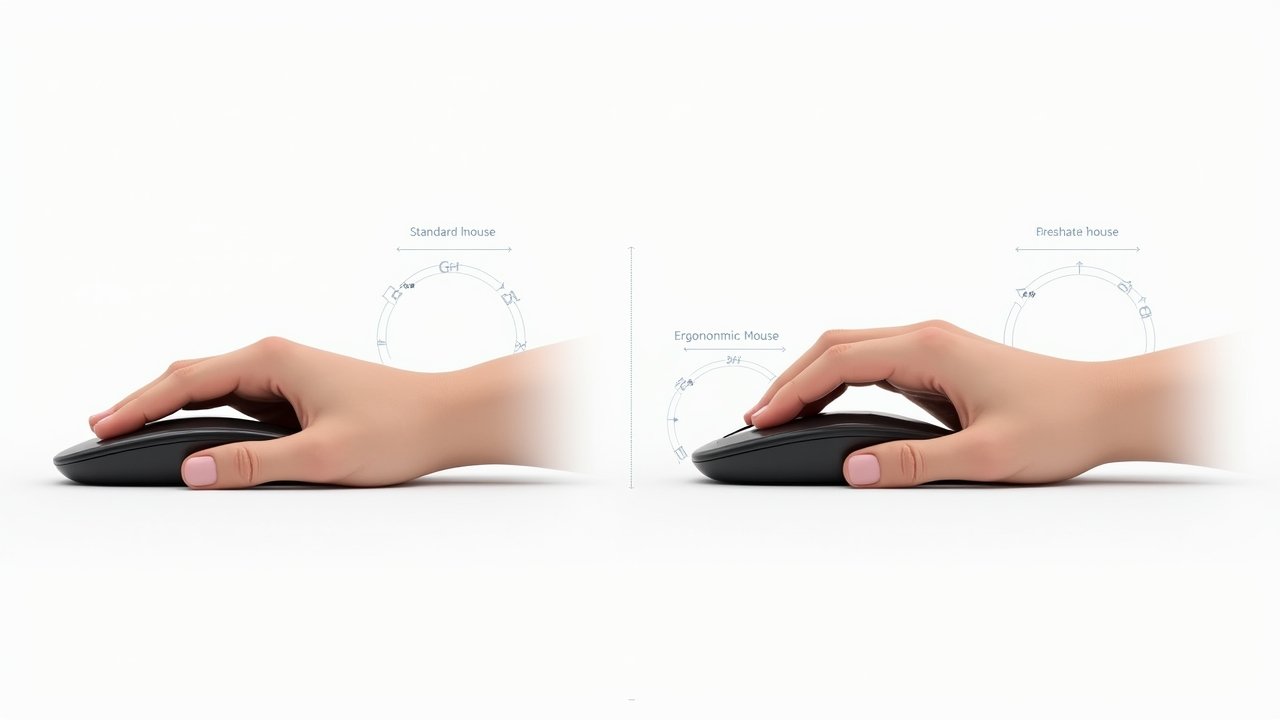
Here’s the thing most people overlook — your mouse hand is doing a TON of repetitive micro-movements all day long. A standard mouse forces your forearm to twist flat against the desk. It’s not how your arm naturally rests.
A vertical ergonomic mouse, like the ones reviewed on RTINGS, positions your hand in a “handshake” grip. This was a game-changer for me personally. The pressure on my median nerve basically disappeared, and that weird numbness I’d get in my pinky finger? Gone.
Quick Tips for Choosing the Right Ergonomic Mouse
- Look for a vertical or angled design that matches your hand size
- Wireless options reduce desk clutter and give you more freedom of movement
- Adjustable DPI settings matter — you want precision without excessive wrist flicking
- Try before you buy if possible, because comfort is super personal
It’s Not Just About Pain Relief
What surprised me most was that the benefits went beyond just fixing my wrist issues. My productivity actually went up. When you’re not distracted by discomfort, you can focus so much better — it sounds obvious but you don’t realize how much low-grade pain was dragging you down until it’s gone.
There’s also been studies, like those published by the National Institute for Occupational Safety and Health, showing that ergonomic interventions in the workplace reduce absenteeism and improve employee satisfaction. So yeah, it’s not just a comfort thing. It’s a performance thing.
And honestly? I sleep better now. I used to wake up with stiff fingers and achy forearms. That doesn’t happen anymore.
Your Future Self Will Thank You
Look, switching to an ergonomic keyboard and mouse isn’t some magic cure-all. You still need to take breaks, stretch, and make sure your entire desk setup — monitor height, chair position, all of it — is working together. But it’s one of the easiest and most impactful upgrades you can make.
If your hands, wrists, or shoulders have been giving you trouble, don’t wait until it becomes a serious problem like I almost did. Start small, try one piece at a time, and see how your body responds. Everyone’s different, so what works for me might need tweaking for you.
Want more tips on building a workspace that actually works with your body instead of against it? Head over to the Ergonomic Flow blog for more guides, reviews, and honest advice from someone who’s been through the aches and come out the other side!