
Advertisements
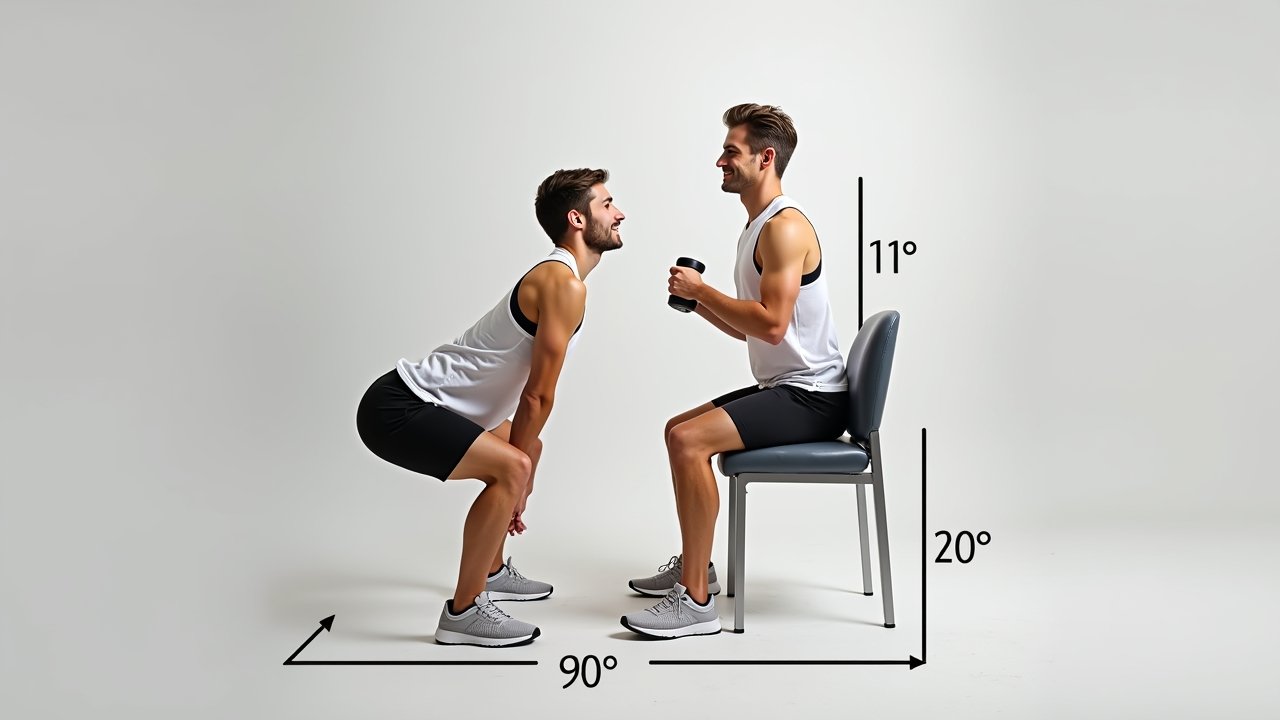
How to Sit Properly in an Office Chair All Day (Without Wrecking Your Back)
Here’s a stat that honestly scared me when I first read it — the average office worker sits for about 10 hours a day. Ten! I used to be one of those people who’d plop down at 8 a.m. and barely move until lunch, and let me tell you, my lower back was absolutely screaming at me by the end of every week. It took a pinched nerve and a very stern physical therapist to finally teach me how to sit properly in an office chair all day. So yeah, this topic is kinda personal for me.
The good news? Once you nail your sitting posture, it’s a total game-changer. Let me walk you through everything I’ve learned — the hard way, mostly.
Start With Your Chair Settings (Seriously, Actually Adjust Them)
Okay, I’ll admit something embarrassing. I worked at my first desk job for almost two years before I realized my office chair had adjustable lumbar support. Two years! I just sat in whatever position the chair came in and wondered why my back hurt.
First things first — your seat height needs to be set so your feet are flat on the floor and your knees are at roughly a 90-degree angle. If your feet are dangling even a little bit, you’re putting extra pressure on your thighs, and that messes with circulation. A lot of people don’t realize that poor seat height is one of the biggest contributors to discomfort during long sitting sessions.
Advertisements
Next, adjust your chair’s backrest so it supports the natural curve of your lower back. That lumbar support should be hitting right around your belt line. If your chair doesn’t have built-in lumbar support, a small rolled-up towel works surprisingly well — I used one for months before I upgraded to a proper ergonomic lumbar pillow.
Where Your Arms and Shoulders Should Be
This one tripped me up for the longest time. I used to hunch my shoulders up near my ears without even noticing it, and by 3 p.m. I’d have these killer tension headaches. Sound familiar?
Your armrests should be adjusted so your elbows rest at a 90-degree angle, with your forearms parallel to the floor. Your shoulders need to be relaxed and down — not shrugged up like you’re cold. When your arms are positioned correctly, your wrists will naturally stay in a neutral position while typing, which also helps prevent carpal tunnel issues.
The Screen and Desk Setup Matters Too
Even with perfect chair posture, a bad monitor setup will ruin everything. Trust me on this one — I once spent three months with my laptop screen way too low, and I developed this annoying neck strain that took weeks of stretching to fix.
Your monitor should be at arm’s length away, with the top of the screen at or just below eye level. This keeps your neck in a neutral position instead of craning forward or tilting down. If you’re using a laptop, I’d seriously recommend getting a laptop stand and a separate keyboard — it was probably the single best investment I made for my desk ergonomics.
Take Breaks — Your Body Wasn’t Built to Be a Statue
Here’s the thing nobody wants to hear: even with perfect posture, sitting all day is still rough on your body. Our bodies were literally designed to move. So no matter how dialed-in your ergonomic setup is, you gotta take regular breaks.
I follow the 20-20-20 rule — every 20 minutes, I look at something 20 feet away for 20 seconds, and every hour I stand up and walk around for at least five minutes. Some days I forget, and those are always the days my hip flexors feel super tight by evening. Setting a simple timer on your phone honestly works wonders.
Your Back Will Thank You Later
Look, learning to sit properly in an office chair all day isn’t glamorous. Nobody’s gonna throw you a party for adjusting your lumbar support. But after dealing with chronic back pain myself, I can tell you that these small tweaks add up to something huge over time.
Everyone’s body is a little different, so don’t be afraid to experiment with what feels right for you. And if something hurts, that’s your body talking — listen to it. If you found this helpful and want more tips on creating a workspace that actually works for your body, come check out more posts on Ergonomic Flow. Your spine will seriously thank you!